$125.00 $139.00
| /
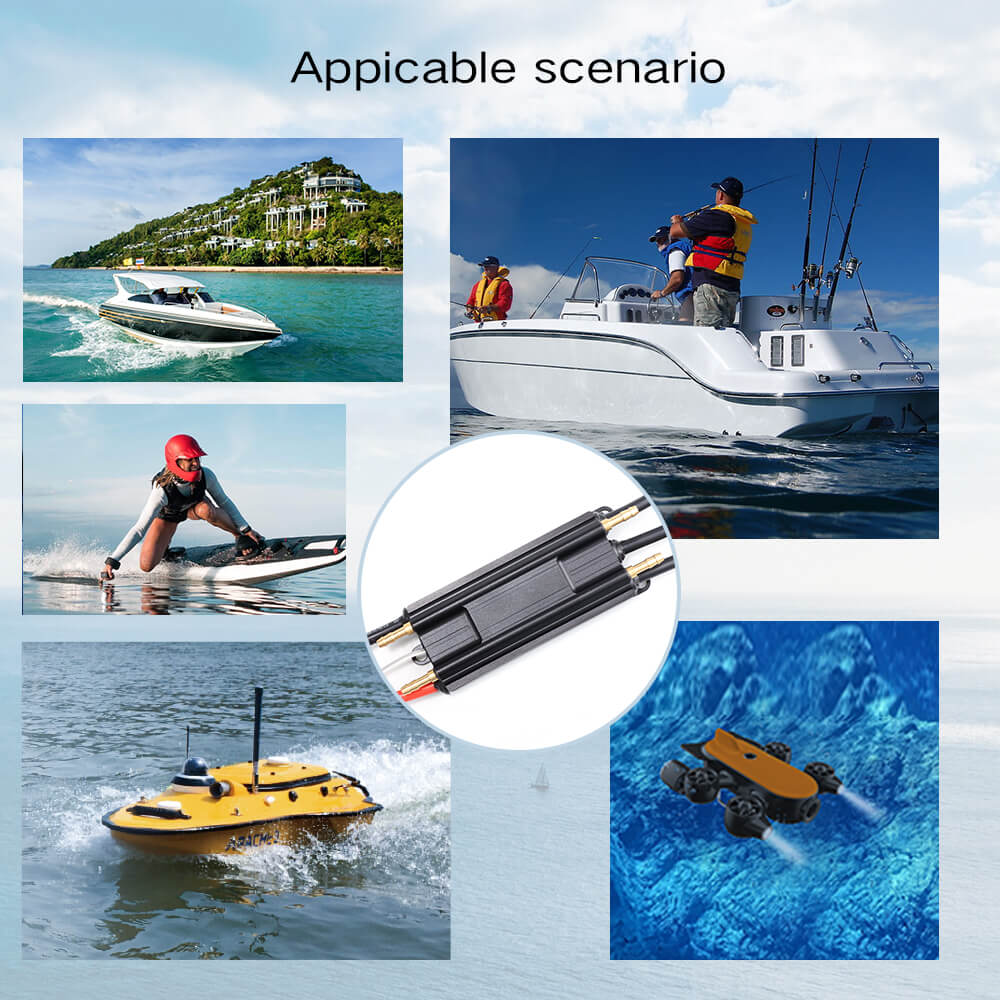
The Firduo Sea Lion 120A Water-Cooled ESC is a high-current speed controller engineered specifically for RC boat, eFoil, and hydrofoil applications. With 120A continuous / 240A burst (10s) output, active water cooling, and waterproof construction, the Sea Lion 120A delivers reliable, sustained power for demanding water sport builds.
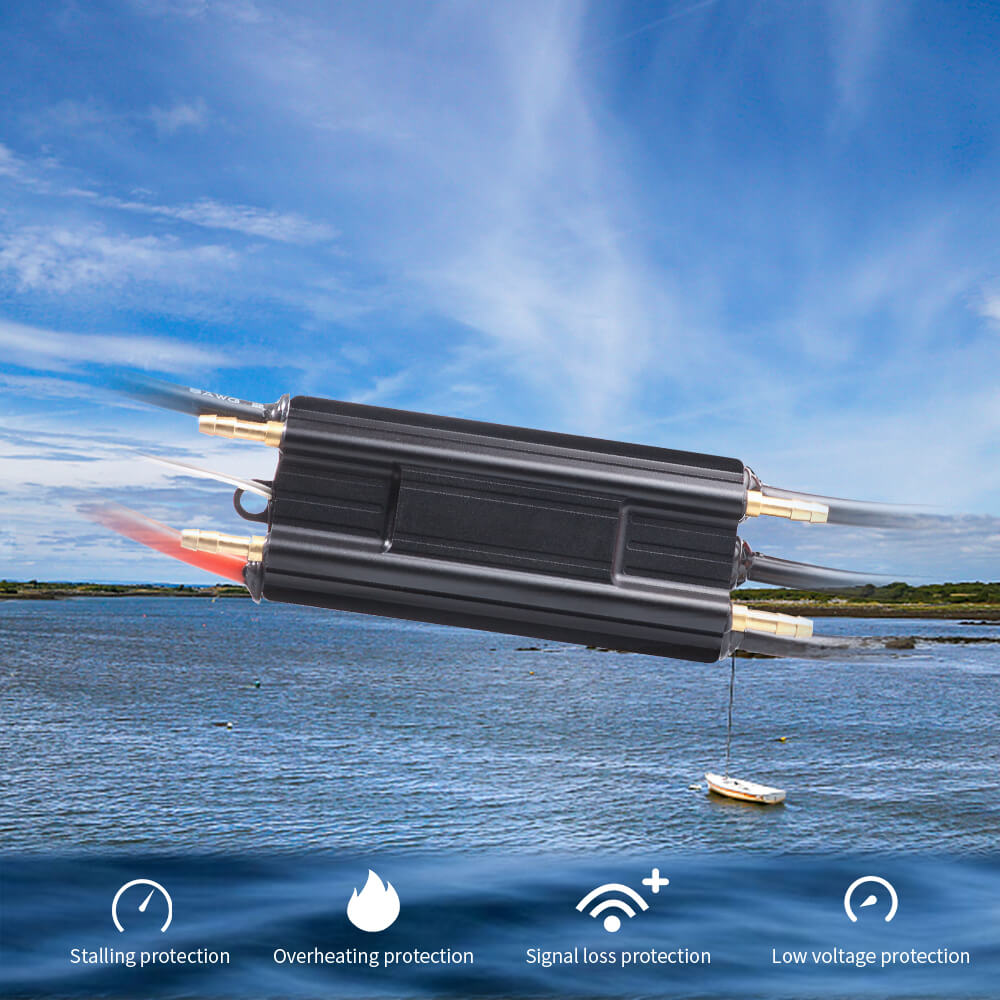
Designed with top-quality electronic components for enhanced current endurance, the Sea Lion 120A features excellent start-up, acceleration, and linearity characteristics. Multiple protection systems — stall, low voltage, over-heat, and signal loss — keep your build safe. Program via LCD Program Card for precise tuning. Available as ESC only or bundled with the LCD Programming Card.
| Continuous Current | 120A |
| Burst Current | 240A (up to 10 seconds) |
| Input Voltage | 5S–12S LiPo (18.5V–44.4V) |
| BEC Output | No BEC |
| Water Cooling Pipe | 4.6mm |
| Dimensions | 105 × 48 × 23mm |
| Weight | 230g |
| Power & Motor Wire | 12AWG silicone wire, 160mm, no connector |
| Signal Wire | White/black with JR male, 300mm |
| Drive Direction | Forward only / Forward+Backward (selectable) |
| Protection | Stall, low voltage, over-heat, signal loss |
| Programming | LCD Program Card |
⚠️ No BEC — receiver/remote must be powered separately.ESC's waterproof rating is waterproof-Splash protection; it cannot be used underwater.
Q1: What is the difference between the Sea Lion 120A and the Sea Lion 200A?
The Sea Lion 120A delivers 120A continuous / 240A burst and is suited for builds using the 65111 motor (2KW) at 10S–12S. The Sea Lion 200A delivers 200A continuous and is designed for higher-power builds using the 65162 motor (6KW) at 12S–16S. Choose 120A for lighter, lower-power builds; choose 200A for maximum performance with the 65162 motor.
Q2: Does the Sea Lion 120A have a BEC? How do I power my receiver?
No — the Sea Lion 120A has no BEC output. You must power your receiver or remote receiver separately using a standalone BEC (5V regulated) or a small receiver battery. Connect the BEC output to the receiver's power input, and connect the ESC signal wire (JR male) to the receiver's throttle channel. Do not attempt to draw receiver power from the ESC's signal wire.
Q3: How does the water cooling work, and is it required?
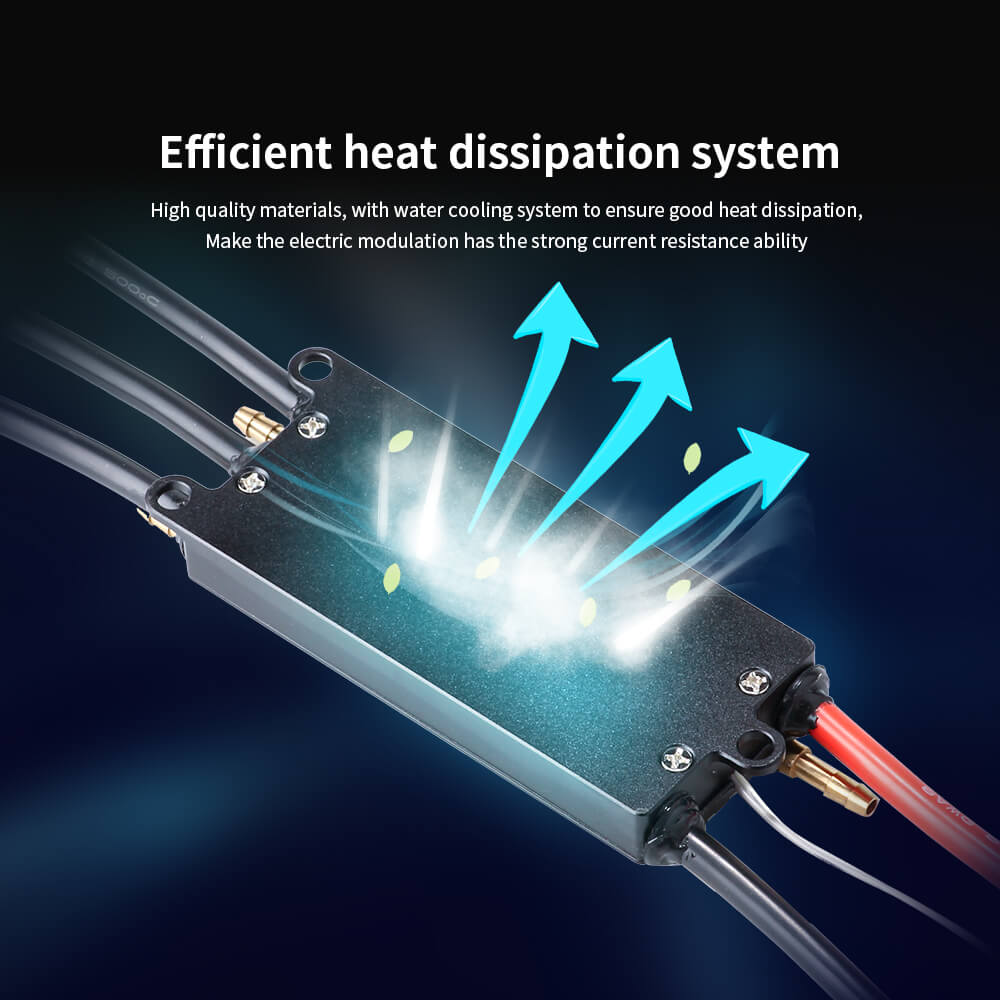
The Sea Lion 120A uses active water cooling via a 4.6mm cooling pipe. Water is drawn from your board's water intake, circulated through the ESC's internal cooling channel, and expelled. This is required for sustained high-current operation — without water cooling, the ESC will overheat at 120A loads. Brief low-power testing without cooling is acceptable, but always ensure water flow before full-power riding.
Q4: Can I use the Sea Lion 120A with a VESC-based remote like the VX3?
The Sea Lion 120A uses standard PPM signal input — it is not a VESC-based ESC and does not support UART communication. The VX3 remote supports PPM mode, making it compatible with the Sea Lion 120A in PPM mode. However, UART telemetry features (motor power, temperature display on VX3 screen) will not be available — only basic throttle control. For full UART telemetry, use a VESC-based ESC such as the Manatee 100.
Q5: How do I program the Sea Lion 120A without a PC?
Use the LCD Programming Card (available as a separate variant on this page for $34). Connect the programming card to the ESC's signal wire, power on the ESC, and navigate the card's menu to set throttle range, drive direction, low voltage cutoff, brake strength, and other parameters. This is the easiest method for field programming without a laptop. Alternatively, use the USB adapter with PC software for more advanced configuration and firmware updates.